Servana Order
Guests order from the table without waiting for a server.
Guests scan the ServQR code on the table or at the counter and order from their own phone. No app to download and no account. The menu carries your restaurant's brand.
Talk first. No form to fill in.
Where the extra sales come from
Orders keep coming at peak hours
Guests don't wait for someone to bring a menu. They order as soon as they sit down, and can order again from the same table whenever they like.
Recommendations at the top of the menu
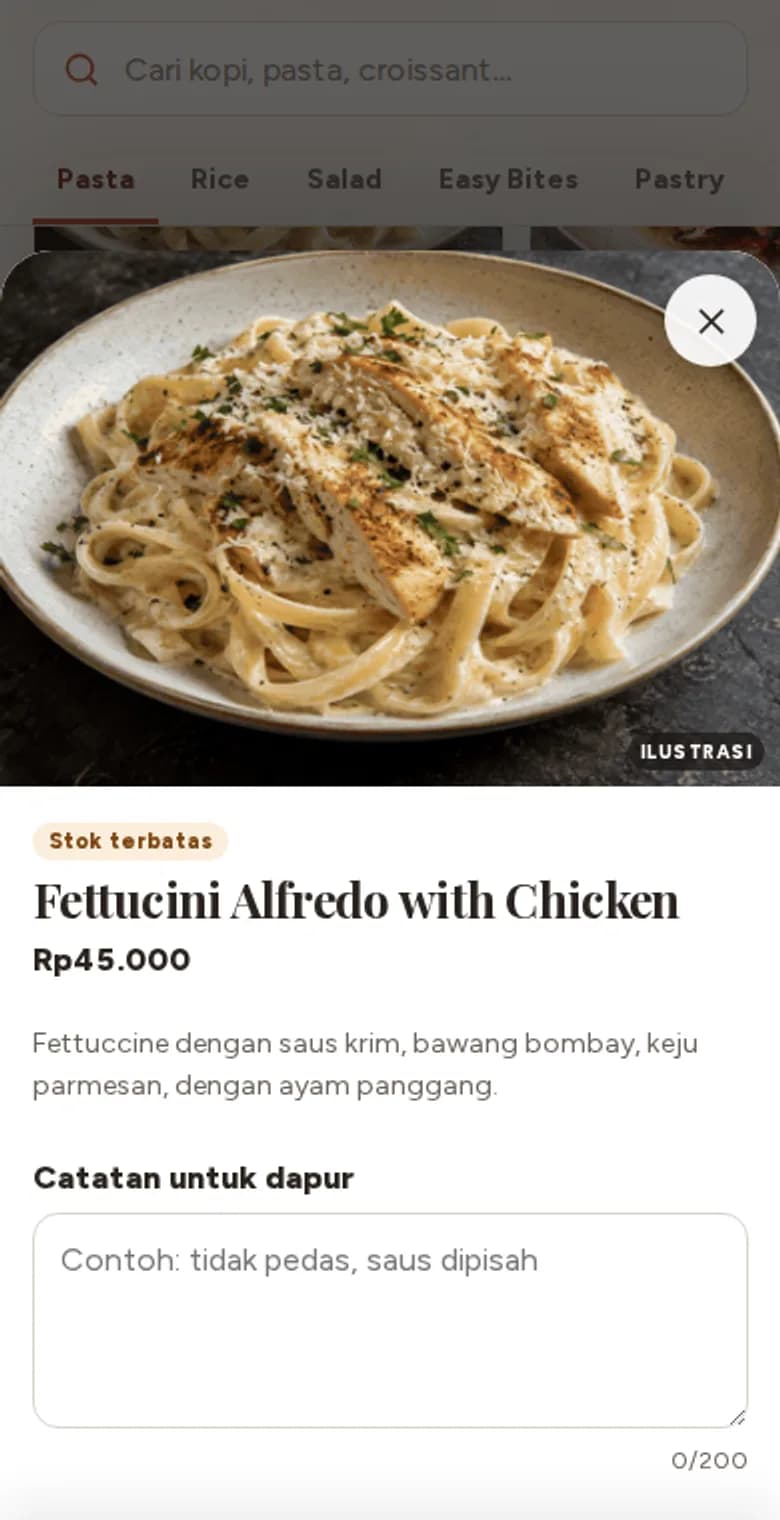
You pick the dishes to feature in Servana Studio. They show first, with a large photo and a one-tap add button.
Suggestions in the cart
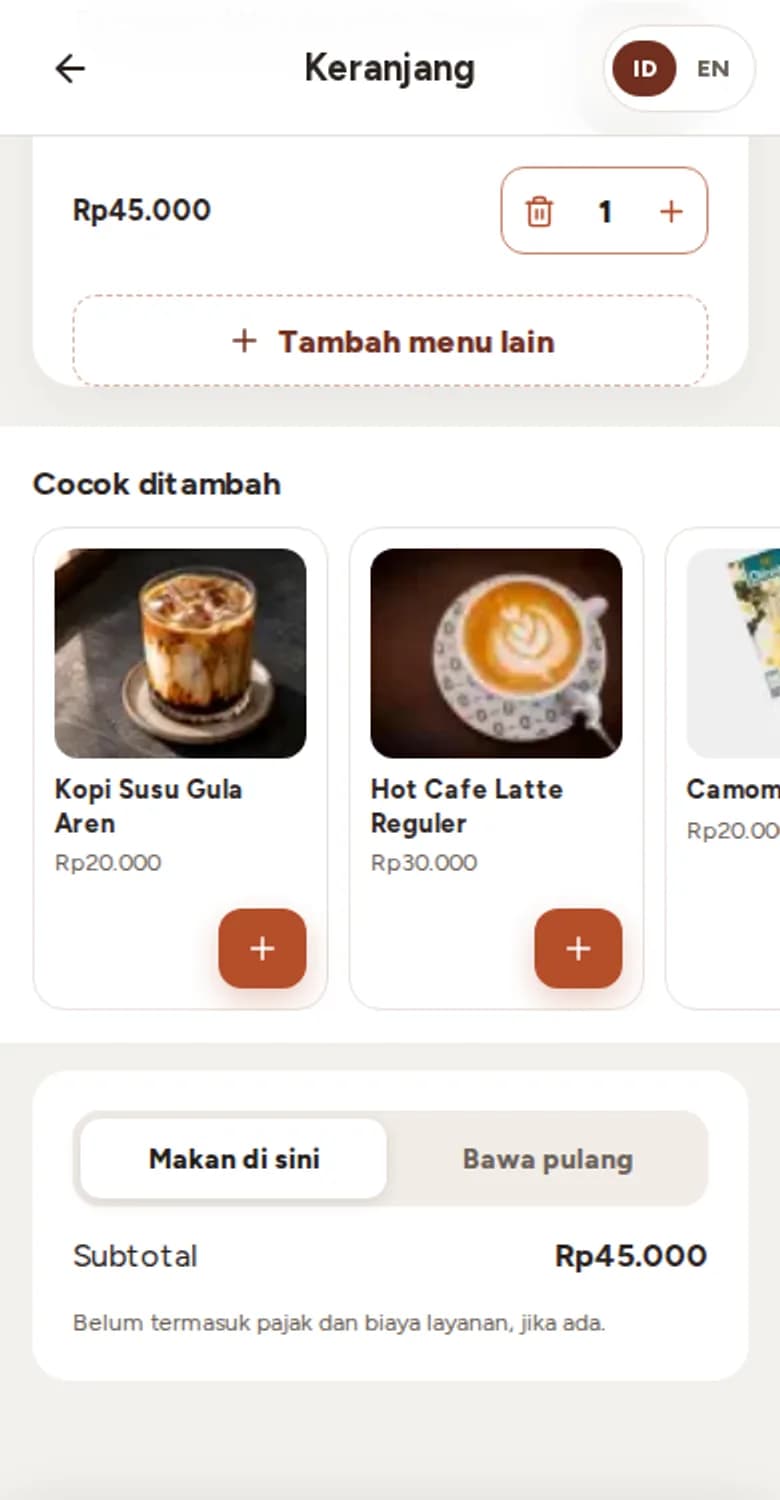
Before paying, the cart shows dishes that go well with the order, such as a drink for the food already picked.
Add-ons with clear prices
Sizes, toppings and spice levels show their price. Guests see the total before adding to the cart.
What's in Servana Order
A QR code per table
Each table has its own code, so orders reach the counter with the table number.
Dine in or takeaway
Guests pick how they're eating up front and can switch in the cart.
E-menu
Stores not yet taking online orders can show the menu only, with prices and photos.
Multi-level customizations
Required, minimum and maximum rules are checked again on the server before the order is created.
Pay at the counter or open bill
Each store chooses how guests pay. Online payment through a payment gateway is coming.
Order status
After ordering, guests see their order number and its status on the same screen.
Indonesian and English
Guests switch language with one tap.
Opening hours and sold-out dishes
When the store is closed, paused or a dish is sold out, guests see it straight away and can't order it.
- ESB POSComing soon
- MidtransComing soon
- XenditComing soon
Better together
Servana Studio
Menu, stores, brand and staff in one place
Servana Counter
Android cashier app with printing
Servana CRM
Members, points, vouchers and guest messages